Contractor Website Design: What Your Site Needs to Win Jobs
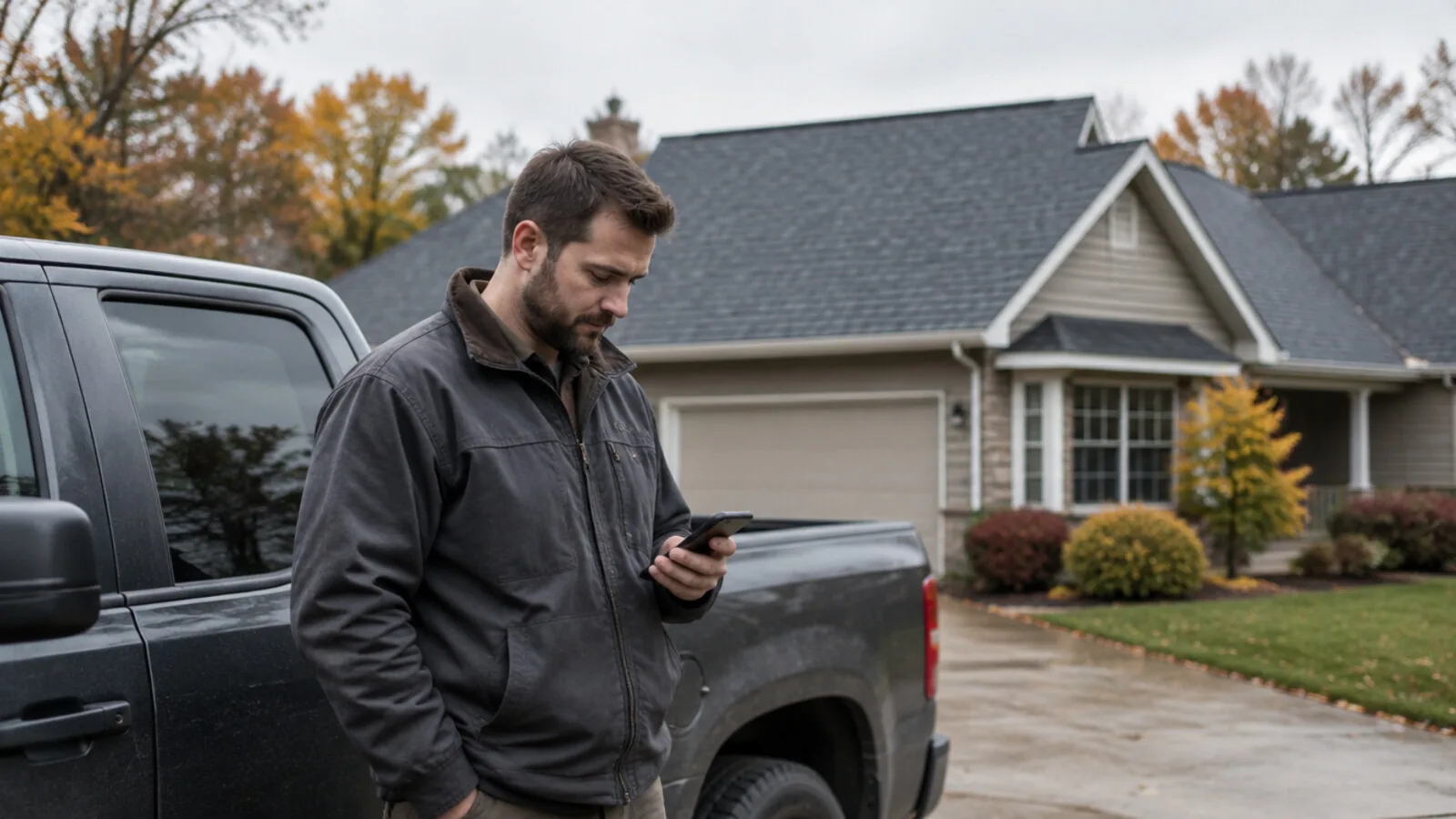
Your website has one job: turn someone with a problem into a phone call.
A leaking roof. A dead furnace. A kitchen they've hated for ten years. Within a few seconds, your site has to tell that person four things: what you do, where you do it, that you do it well, and how to reach you right now. That's what good contractor website design comes down to. Everything else is decoration.
What homeowners check before they call
Picture who's on the other end. They're usually on a phone, sometimes standing next to the problem. They're comparing you to two or three other names, and they want quick answers:
- Are you the right trade? "Home services" tells them nothing. "Roof replacement and storm repair" does.
- Do you work in my town? If they have to guess, they'll call someone who says so.
- Have you done jobs like mine? Real photos of real work beat any amount of copy.
- Can I trust you? Reviews, years in business, and your license if your trade needs one.
- How do I reach you right now? A number they can tap and a short quote form.
A plain site that answers those five questions will beat a prettier one that makes people hunt.
The pages that do the work
You don't need a big site. You need the right pages, each with one job.
Home page. Your trade, your service area and a call button, all visible before anyone scrolls. Then a few of your best project photos, some reviews and links to your services.
One page per service. People search for the job, not the company: "roof repair," "basement waterproofing," "panel upgrade." Give each main service its own page. Say what the job involves, what affects the price and what happens after they call.
Town pages, if they're real. If you work in a set of towns, say so and say something true about your work there. The same page copied twenty times with a new town name helps no one.
Project gallery. Before-and-after photos, each with a line on what you did and roughly where. This is the page people show their spouse.
Reviews. Real ones from real customers, with a link to read more.
About. Who actually shows up at the house. A real photo of you and your crew beats any slogan.
Contact. Ask only what you need to call back: name, phone, town, what's going on. Every extra field loses someone.
Mistakes that quietly cost you calls
Check your own site for these tonight:
- The phone number isn't tappable, or it's buried at the bottom.
- Stock photos. Homeowners can tell, and they wonder why you didn't show your own work.
- It's slow on a phone. Run it through Google's PageSpeed Insights and look at the mobile score.
- The quote form is a questionnaire. Each extra question is a reason to call someone else.
- "Serving all of New Jersey." Say where you actually work.
- Nothing new in years. A gallery that stops in 2019 makes people wonder if you're still around.
- You don't own it. If the site or domain sits in someone else's account, you can lose it. Make sure it's in yours.
Getting recommended by Google and AI assistants
Homeowners still search Google, and some now ask an AI assistant who to call. Both reward the same basics. Be clear about who you are, what you do and where. Write your business name, trade, area and phone number the same way everywhere.
It also helps to answer real questions on your service pages, in plain sentences. "How long does a roof replacement take?" "Do I need a permit?" I wrote more about this in Search isn't what it used to be.
What to ask before you hire someone
Your site should be something you own, not something you rent. Before you sign, ask three things:
- Who owns the site, domain and hosting when it's done?
- What will I pay every month after launch?
- Who keeps it updated?
Template sites built on plugins need constant upkeep, and someone pays for it. I explained why in WordPress was the right answer in 2015.
How we build contractor websites
I built SiteScan, a quoting tool for roofing and solar companies, on my own. Working that closely with contractors taught me what wins the job: being easy to reach, showing real work and answering fast. The website should do all three before you ever pick up the phone.
Our custom builds start at $6,000, with payment plans available. You fill out a 60-second application and we have a 15-minute call. About a week later, you see a working first pass of your whole site, live at a link. If you love it, that's when you pay. If you never love it, you never pay. You own everything, and hosting runs $0 to about $20 a month.
If your site isn't bringing in the calls it should, see how our build-first process works.
Keep reading
Small Business Website Design in NJ: What It Costs and What You Should Get
Most pricing pages dodge the question. Here's what a custom site costs, what pushes the number up or down, and what you should own when it's done.
WordPress Was the Right Answer in 2015 — Here's the WordPress Alternative
This isn't a hit piece. WordPress genuinely was the best choice for a web that no longer exists. An honest look at what it costs you now, and what replaced it.