How Much Does It Cost to Redesign a Website? What Changes the Price
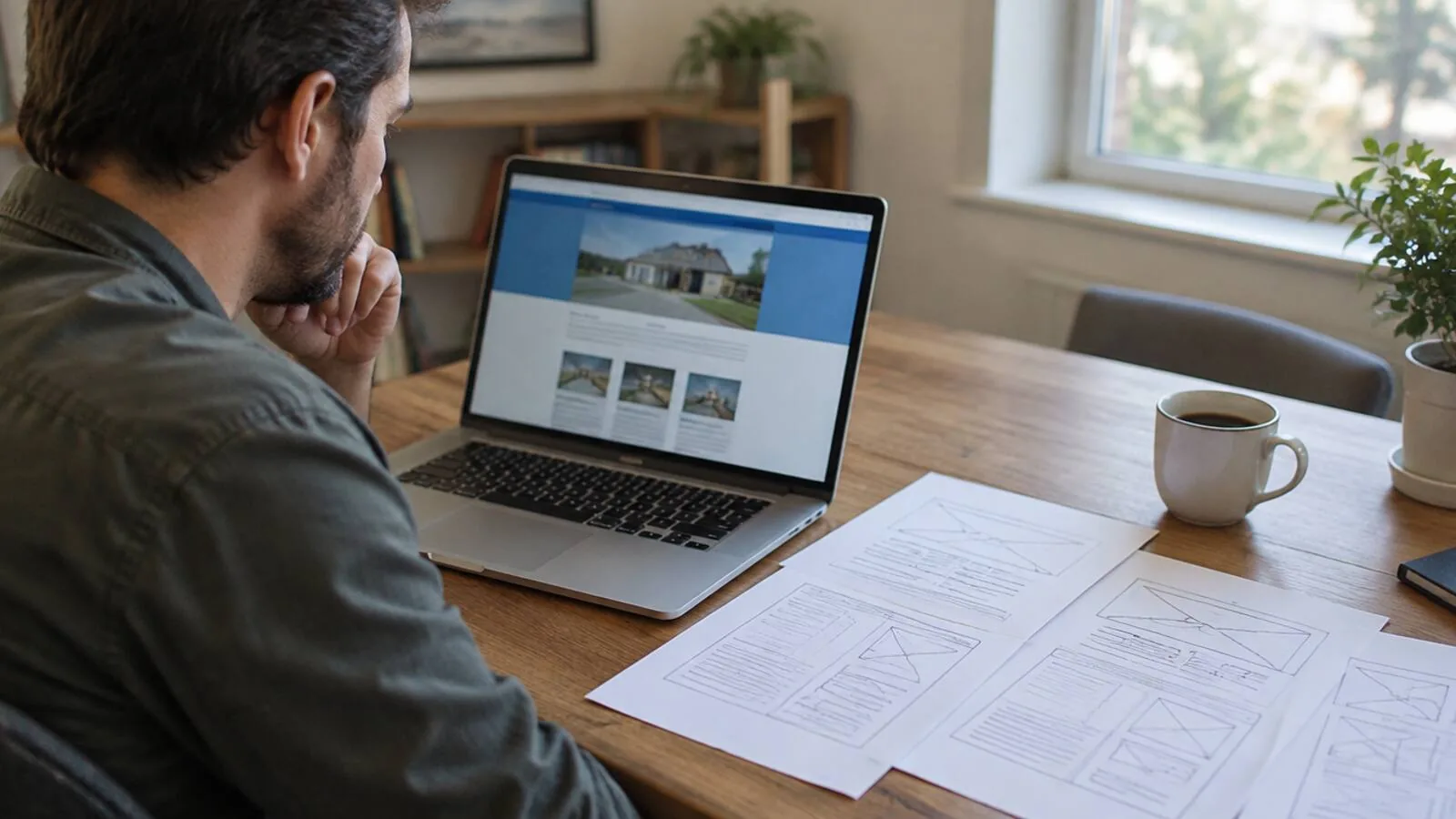
A custom redesign with us starts at $6,000, the same as any new build. Bigger sites, with more pages or custom features, run up to $30,000 or more. Payment plans are available.
A redesign is priced like a new build. The look is rarely what drives the cost. What drives it is what the new site has to do, and how much of the old one you're bringing along.
A refresh or a rebuild?
Before you collect quotes, decide which of these you need. They're priced very differently.
A refresh keeps the site you have and changes the surface. New colors, new photos, a cleaner home page. It's cheaper. It also keeps every problem underneath: the slow theme, the plugins that need updates, the pages nobody visits.
A rebuild starts from your business, not from the old site. What do customers need to see? What should they do next? Then the site is built to that, and the old content that still works moves across.
A refresh makes sense when the site is fast, brings in work and just looks dated. If it's slow on a phone, hard to update, or not bringing in calls, new paint won't fix it.
What pushes the price up or down
So how much does it cost to redesign a website? It comes down to five things:
- Pages. A typical site has up to 10. Each extra service or location page adds time.
- What the site does. A contact form is simple. Online booking, quotes or a client login is a bigger job.
- What it connects to. Your CRM, calendar or email follow-up. Each connection is real work.
- What you're moving. Years of blog posts, a big photo gallery, or hundreds of product pages take time to carry over and check.
- What you're rewriting. If the old words don't sell anymore, someone has to write new ones.
Anything beyond the basics should be agreed up front. You shouldn't find out about it on an invoice.
The costs people forget
A quote for a redesign usually covers the design and the build. These often sit outside it:
- Redirects. Every old page address that changes needs to point to its new home. Skip this and old links break, and Google can lose track of pages it used to send people to.
- Content clean-up. Old pages with wrong prices, old staff or services you no longer offer.
- Monthly costs after launch. Hosting, maintenance and plugins. A redesign is the moment to cut these, not carry them over.
- Your time. Reviews, photos, sign-offs. A good process keeps this small.
Ask each company you talk to which of these is included. Then compare the totals, not the headline price.
Keeping your Google rankings through a redesign
This is the part owners worry about most, and it's a fair worry. A careless redesign can drop a site that used to show up.
Most of the risk comes from a few things:
- Changing page addresses without redirects.
- Deleting pages that were bringing in visitors.
- Launching something slower than the old site.
- Losing the page titles and descriptions Google was showing.
Before anything changes, list the pages that bring in visitors today. Make sure each one keeps its address or redirects to a page that answers the same question. After launch, test the new site with Google's PageSpeed Insights and compare it to the old one.
Done this way, a redesign usually helps. Clear structure helps you show up on Google and in AI assistants. I wrote about how search has changed and what still matters.
Signs it's time
You probably need a rebuild, not a touch-up, if:
- The site is slow on a phone, or awkward to use on one.
- You can't change a price or a photo without calling someone.
- Every month brings another plugin update or security warning.
- Nobody calls or fills in the form because of the site.
- It describes the business you had five years ago.
If several of those sound familiar, the old platform may be the problem. Here's why many sites built on WordPress cost more to keep running than they should.
Four questions to ask before you hire anyone
- Is moving my content included, and how much of it? Get it in writing.
- Who handles redirects from my old page addresses? "We'll see" isn't an answer.
- What will I pay every month once it's live, all in? Ask for one number.
- How much do I pay before I see anything? Some companies want a big deposit before any design exists. It doesn't have to work that way.
The answers tell you more than the price does.
How we handle a redesign
When I redesign a site, I start from what your business needs today, not from the old menu. The pages and content that still earn their place come along. The rest doesn't.
You fill out a 60-second application and we have a 15-minute call. About a week later, you see a working first pass of your whole new site, live at a link. You can put it next to your current site and judge for yourself.
If you love it, that's when you pay, and we finish the build. That includes moving your content across, connecting your tools and polishing every page. A typical site goes live a week or two later. If you never love it, you never pay.
You own everything when it's done, in writing. Hosting runs $0 to about $20 a month. If you're comparing first-time builds too, here's what a new small business website costs in NJ.
If your site looks fine but isn't bringing in work, see how our build-first process works.
Keep reading
How Much Does a Website Cost Per Month? Every Line, Explained
The build is a one-time bill. The monthly costs stay for years. Here's what each line is for, which ones you can cut, and what to ask before you sign.
Small Business Website Design in NJ: What It Costs and What You Should Get
Most pricing pages dodge the question. Here's what a custom site costs, what pushes the number up or down, and what you should own when it's done.