Website Redesign SEO: Will a New Site Hurt Your Google Rankings?
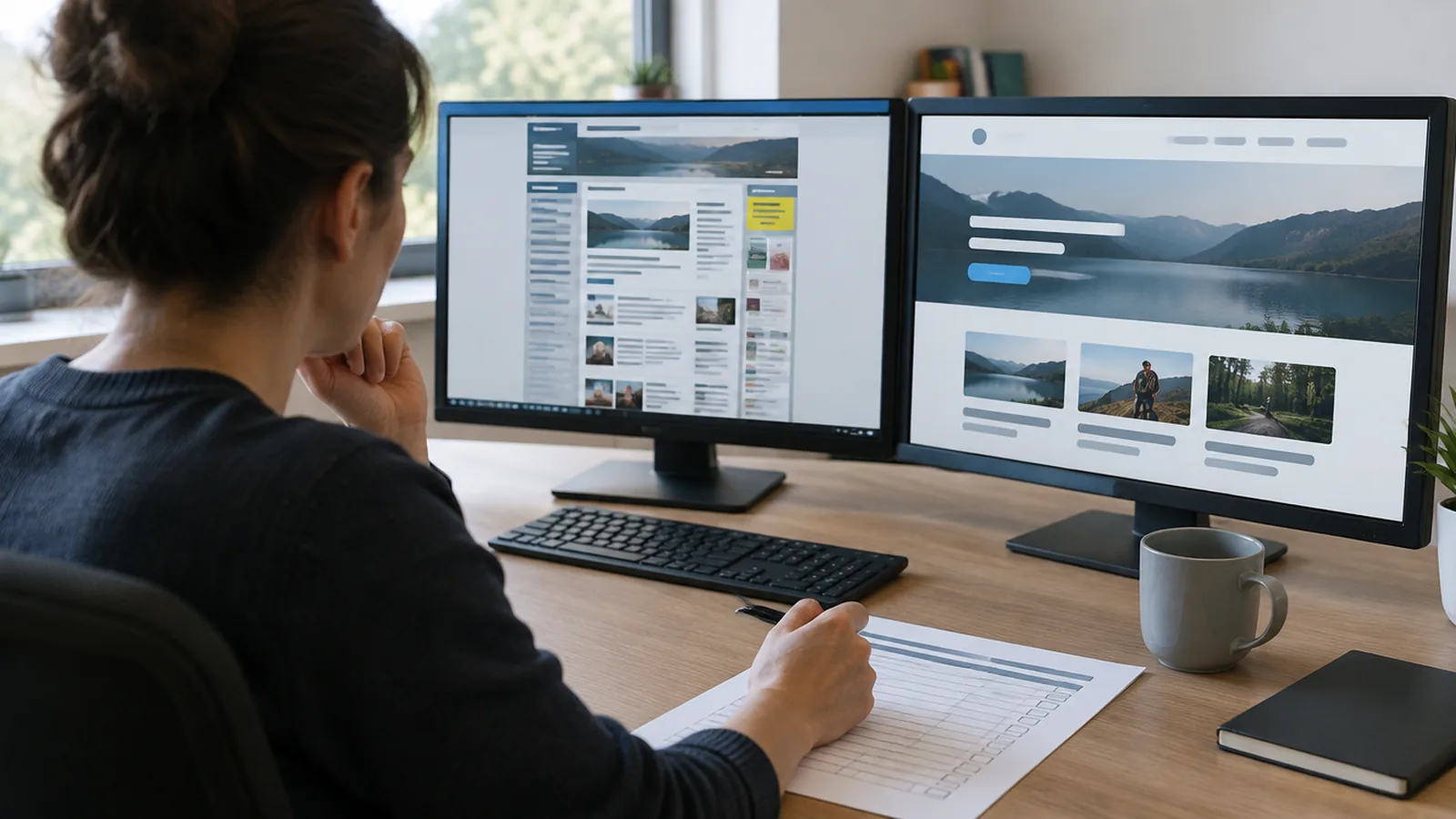
A redesign won't hurt your Google rankings if you plan for it. Most sites that drop after a redesign lose pages, break links or launch something slower. Keep what Google already likes, point every old address to its new home, and a redesign usually helps.
Expect a little movement at first, though. Google's own guide to site moves says to "expect temporary fluctuation in site ranking during the move." That's normal. A lasting drop is not.
Why some redesigns lose rankings
Google ranks individual pages. When a redesign changes or removes the pages Google knew, it has to work out where everything went. If you don't tell it, it guesses, and it often guesses wrong.
The usual causes are simple:
- Page addresses change with no redirects. Old links in Google, in emails and on other sites now lead to an error page.
- Pages that brought in visitors get cut. A service page that looked dull may have been the one people found you through.
- The words change too much. A page that answered a question clearly now says something vague.
- The new site is slower. Heavy images and video can make a nicer-looking site worse on a phone.
- Titles and descriptions get lost. The lines Google showed in search results get replaced with defaults.
None of these are about design. Most website redesign SEO problems come from what happens to your content during the move.
Before anything changes: take stock
This is the step most people skip, and it does most of the work.
List the pages that matter. If you have Google Search Console, look at which pages get impressions and clicks. If you don't, ask whoever runs your site, or check your analytics for the most-visited pages.
Write down each page's address. Note its title and what question it answers. A simple spreadsheet is fine.
Decide where each one goes. Every page either keeps its address, moves to a new address, or merges into a page that answers the same question. Google's guide calls this mapping old URLs to new ones, and says "it's important" to do it.
Save a copy of the old site. Screenshots or an export. You'll want it if something goes missing.
Redirects: the part you can't skip
A redirect sends anyone who visits an old address to the new one, automatically. It also tells Google the page has moved for good, so Google can show the new address in place of the old one.
Google recommends permanent redirects, often called 301s, from each old address to its new one. It also says to keep them "for as long as possible, generally at least 1 year."
Two rules make redirects work:
- Point each old page to its closest match. Not everything to the home page. Someone looking for "roof repair" should land on roof repair.
- Don't leave dead ends. If a page truly has no match, send it to the nearest useful page, not an error.
If you're paying someone for a redesign, ask who handles this before you sign. I listed that question, and the other costs people forget, in how much it costs to redesign a website.
Keep the content that earns its place
A redesign is a good time to tidy up. Just be careful what you throw away.
Keep the pages that bring in visitors, and keep the parts of them that answer real questions. You can rewrite them in clearer words, but don't strip out the answer. Old pages with wrong prices or services you dropped can go, as long as they redirect somewhere sensible.
Clear, plain answers help you show up in AI assistants too, not just on Google. I wrote more about that in Search isn't what it used to be.
Make the new site faster, not just nicer
Speed matters to visitors, and slow pages lose people before they read a word. Test your current site with Google's PageSpeed Insights before the redesign. Test the new one before it launches. It should score at least as well on a phone.
If the old site was built from a theme and a stack of plugins, a rebuild is the moment to drop the weight. That extra code is often what slowed it down. I explained why in WordPress was the right answer in 2015.
The launch-day checklist
On the day the new site goes live:
- Every old address you listed opens the right new page.
- Links inside the new site point to the new addresses, not old ones that redirect.
- Each page has its own title and description.
- Your sitemap lists the new addresses, and it's submitted in Google Search Console.
- The site isn't accidentally set to hide from search engines. It's an easy mistake when a site moves from a test address to the real one.
- Forms, phone links and booking buttons all work.
What to watch after launch
Give it a few weeks. Google says it "can take a few weeks or more" to start showing the new addresses.
In Search Console, watch three things: pages Google can't find, total clicks and impressions, and the searches you used to show up for. A short dip is normal. If a page you care about is still missing after a few weeks, check its redirect first. That's usually the cause.
Your Google Business Profile, social profiles and directory listings may link to old addresses. Update them so they point straight to the new pages.
How I handle a redesign
When I redesign a site, I start from what your business needs now, not from the old menu. The pages that still bring in work come along, and moving your content across is part of the build.
You don't have to imagine the result. About a week after a 15-minute call, you see a working first pass of your whole new site, live at a link. You can open it next to your current site and compare page by page. If you love it, that's when you pay, and we finish the build. If you never love it, you never pay.
We put it in writing: your site will be fast on Google's speed test, flawless on mobile and structured for AI search. If it isn't, we keep working free until it is. You own everything, and hosting runs $0 to about $20 a month.
If your site needs a new look but you can't afford to lose the calls it brings in, see how our build-first process works.
Keep reading
How Much Does It Cost to Redesign a Website? What Changes the Price
A redesign isn't priced by how it looks. It's priced by what the site has to do and what you're carrying over. Here's what moves the number.
Companies That Build Websites for You: What to Expect, Start to Finish
You want the site done, not a new hobby. Here's what a done-for-you build looks like, what you still have to do, and how to spot a bad deal early.